LinkedIn now has more than 1.2 billion users, and Premium has become a favourite tool for job seekers, recruiters and sales professionals. Everyone wants to pay less, naturally, when the plans range from $29.99 to over $100 a month.
But look for it, and you’ll mostly find noise. Fake coupon sites, promo codes that have expired, clickbait articles promising 60% off but delivering nothing. The actual ways to save are buried under piles of confusing content.
We spent time testing and verifying every method out there. This guide clearly breaks down the ones that do work in 2026, with clear steps for each. And if you’d rather skip the hassle and just get LinkedIn Premium up and running for up to 80% off, then GamsGo has you covered with stable, ready-to-use subscriptions.

Quick Overview: 8 Methods Covered
- Annual Billing Discount
- Free Trial (1 Month)
- The Cancellation Discount Trick
- U.S. Veterans & Military Program
- LinkedIn Employee Coupons
- LinkedIn for Journalists Program
- GamsGo LinkedIn Discount
LinkedIn Premium Pricing Overview
Before looking for discounts, it helps to understand what you're paying for. LinkedIn offers several premium tiers, each targeting a different professional use case. Pricing is based on U.S. rates and may vary by region.
| Plan | Monthly Price | Annual Price (per month) | InMail Credits | Best For |
| Premium Career | $29.99/mo | ~$19.99/mo ($239.88/yr) | 5/mo | Job seekers |
| Premium Business | $59.99/mo | ~$47.99/mo ($575.88/yr) | 15/mo | Networking & business development |
| Sales Navigator Core | $119.99/mo | ~$89.99/mo ($1,079.88/yr) | 50/mo | Sales professionals |
| Recruiter Lite | ~$170/mo | Contact LinkedIn | 30/mo | Individual recruiters |
All Premium plans include LinkedIn Learning access (16,000+ courses), "Who Viewed Your Profile" insights, and advanced search filters. The main differences lie in InMail credits, search result limits, and specialized tools for sales or recruiting workflows.
Now let's get into the actual ways to save.
How to Get LinkedIn Premium for Less
Annual Billing Discount (Save 16-33%)
This is the simplest, most reliable discount available, and it works for everyone.
When you switch from monthly to annual billing, LinkedIn drops the effective monthly cost across all plan tiers. The exact savings depend on which plan you choose:
- Premium Career: $29.99/mo drops to ~$19.99/mo (save ~33%)
- Premium Business: $59.99/mo drops to ~$47.99/mo (save ~20%)
- Sales Navigator Core: $119.99/mo drops to ~$89.99/mo (save ~25%)
If you are new to LinkedIn Premium, start with a monthly plan (or the free trial below) for 1-2 months to make sure you actually use the features. Whenever you’re ready, change to annual billing from your subscription settings. This is the only discount that has no eligibility requirements and is available for everyone.
LinkedIn Premium 1 Month Free Trial
LinkedIn offers a 1-month free trial for most Premium plans, including Career, Business, and Sales Navigator. This is the fastest way to experience Premium features without paying anything.
Here's how to activate it:
- Go to the LinkedIn Premium page
- Choose the plan that fits your needs
- Click "Start your free trial."
- Enter your payment details (required but you won't be charged during the trial)
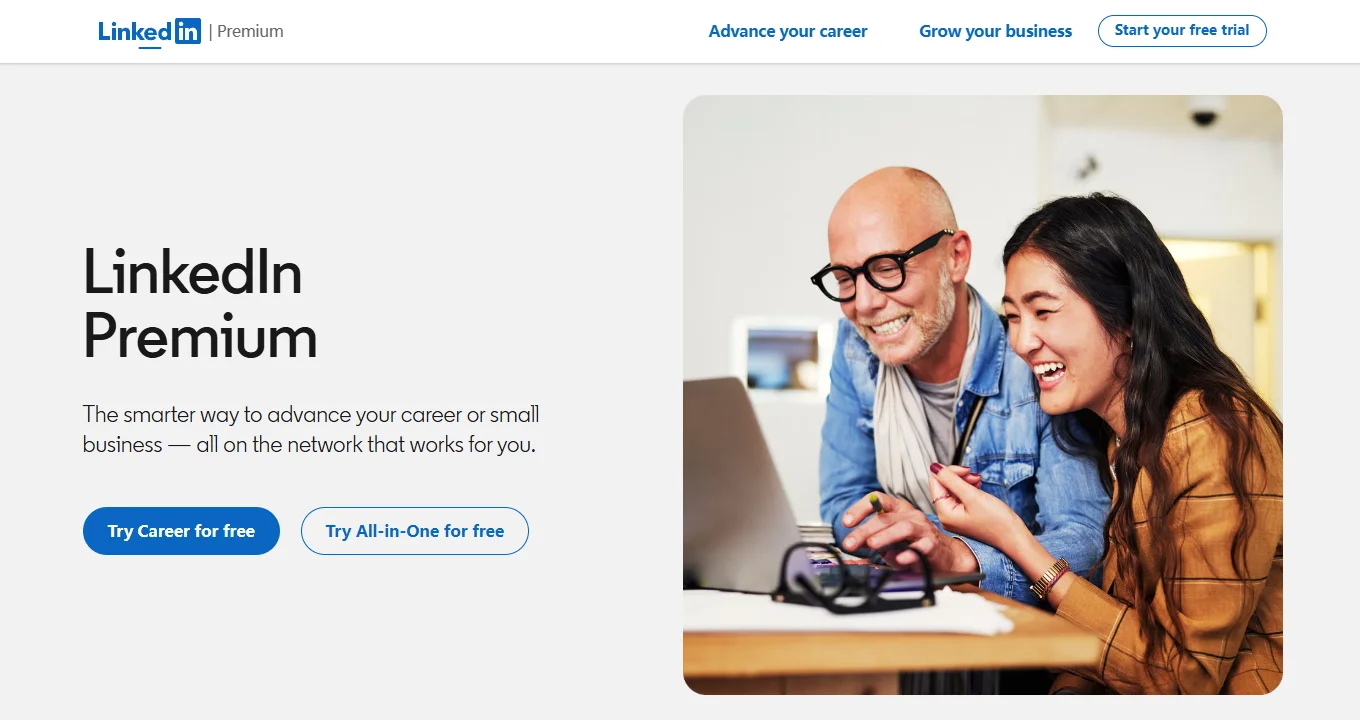
There are a couple of rules to remember. To start your trial, you must provide a valid credit card and will be automatically charged the full price when the trial period ends unless you cancel before then.
LinkedIn only permits one free trial per account every 12 months, and you cannot switch to another plan for free during the trial period. Also, if you cancel early, you lose access immediately instead of at the end of the trial period.
LinkedIn Cancellation Discount (50% Off for 2 Months)
This is one of the best tips for someone already paying for LinkedIn Premium, and it’s shockingly underused.
Sometimes, if you go through the process to cancel your Premium subscription, LinkedIn’s retention system will try to keep you by offering you a discount. Here’s how it works:
- Go to Settings & Privacy
- Navigate to Subscriptions & payments
- Click Cancel Subscription
- Follow the prompts and when asked for a reason, select "It's too expensive"
- LinkedIn may present a counteroffer: typically 50% off for 2 months
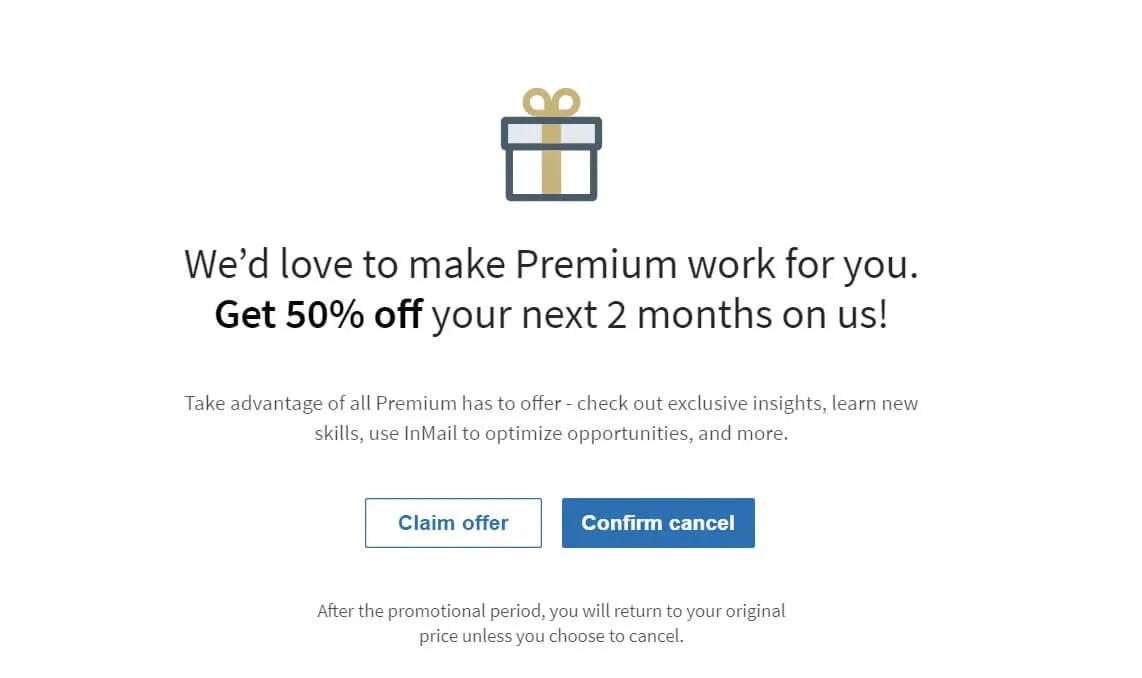
This trick has been widely reported by users and documented across multiple sources. It works for Premium Career, Premium Business, and Sales Navigator subscriptions.
However, it is not guaranteed to trigger every time. LinkedIn's retention algorithm decides whether to show the offer based on factors that aren't publicly documented.
Even if you don't receive the 50% offer, it's worth trying. Some users have also reported that after canceling and staying inactive for a period, LinkedIn proactively reaches out with a discounted re-subscription offer via email or in-app notification.
A similar pattern applies to users who have never subscribed: LinkedIn occasionally shows promotional offers (like 50% off Sales Navigator for 2 months) in the top-right corner of the homepage for accounts that previously had Premium but let it lapse.
U.S. Military & Veterans Program (Free 1 Year)
LinkedIn offers a dedicated program providing one full year of free LinkedIn Premium to eligible members of the U.S. military community. This is an official, ongoing program run through LinkedIn's Social Impact initiative in collaboration with SheerID for identity verification.
Eligible participants include:
- Veterans of any U.S. Armed Forces branch (Army, Navy, Air Force, Marines, Coast Guard, Space Force)
- Active duty service members
- National Guard and Reserve members
- Military spouses (within six months of separation or during a permanent change of station)
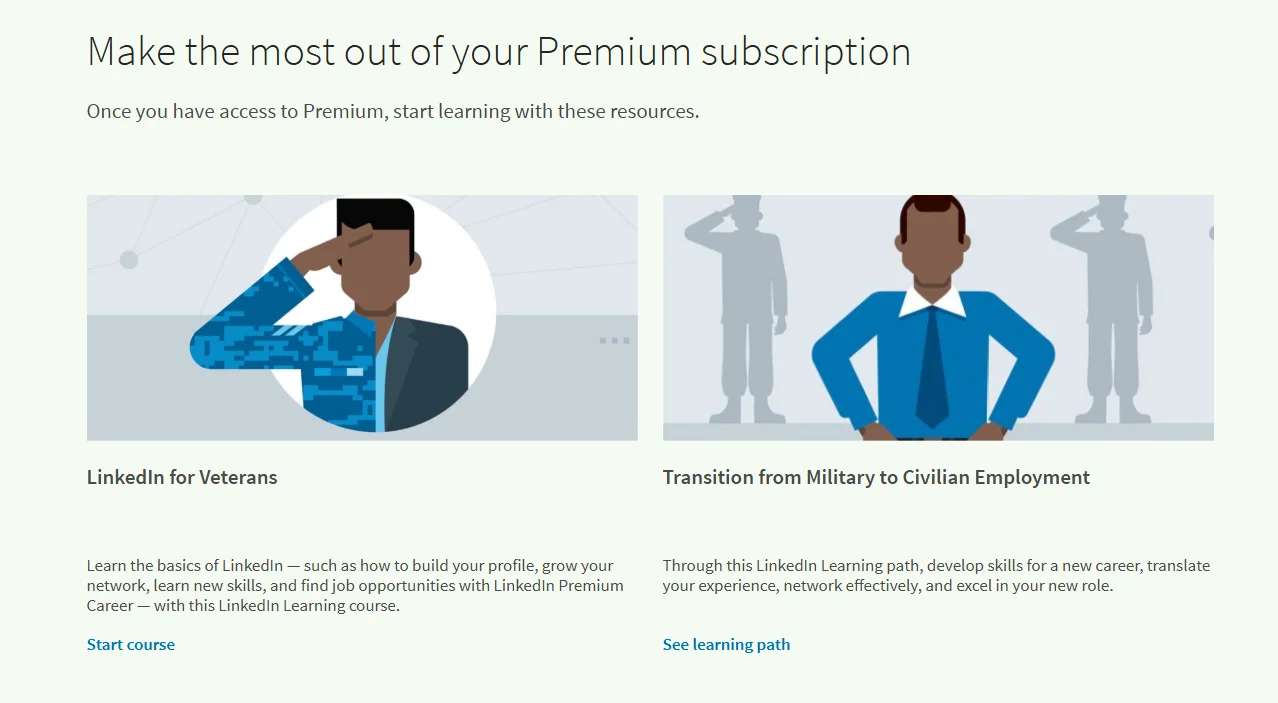
To claim this offer, visit the LinkedIn Social Impact Page and complete the verification form. You'll need your name, branch of service, and service dates. Most verifications go through instantly via SheerID without needing to upload any documents.
This is a one-time offer and can only be redeemed if you don't currently have an active Premium subscription. The subscription does not auto-renew. After the free year ends, your account reverts to the free tier unless you choose to subscribe.
There is no post-separation time limit for veterans. Even if you separated years ago and never claimed it, you are still eligible.
LinkedIn Employee Giveaways (Free 6 Months)
LinkedIn employees receive complimentary 6-month Premium subscriptions as part of their benefits package. Each employee can share up to 10 of these coupon codes per year with their connections.
Not every employee uses all their codes, and many choose to give them away publicly to support the professional community.
You can find these giveaways by searching within LinkedIn:
- Go to the LinkedIn search bar
- Search for hashtags like #linkedinpremium or #PlusOnePledge
- Filter results by Posts and sort by Most Recent
- Look for employees offering free Premium codes
Once you get a code, redeem it directly on LinkedIn's official site. Never share your login credentials with anyone for any reason. These codes go fast, so move quickly when a new one pops up.
This method is fully legitimate and backed by LinkedIn's own social impact initiatives.
LinkedIn for Journalists Program: Free 12 Months
Eligible journalists can receive a free 12-month subscription to Premium Business through LinkedIn’s long-running LinkedIn for Journalists (LIFJ) program.
Active journalists, editors, producers, and freelance writers who regularly contribute to reputable news outlets can apply during quarterly enrolment windows. You will be asked to submit 5 recent samples of work and to join the LinkedIn for Journalists group.
Approved participants receive a Premium code that can be redeemed after a review period of several weeks.
This is a pretty niche offer with limited spots available, but for those professionals who qualify, it’s one of the best deals around. You get a full year of Premium Business (normally $59.99/mo) for free.
GamsGo LinkedIn Premium Deals for Everyone
If none of the above options apply to your situation, or if you simply want the most cost-effective way to access LinkedIn Premium without restrictions, GamsGo offers two ways to save.
The first option is GamsGo's own LinkedIn Premium plan, offered directly by GamsGo at up to 80% off the official price. There's no account sharing involved. The Premium upgrade goes straight to your personal profile.
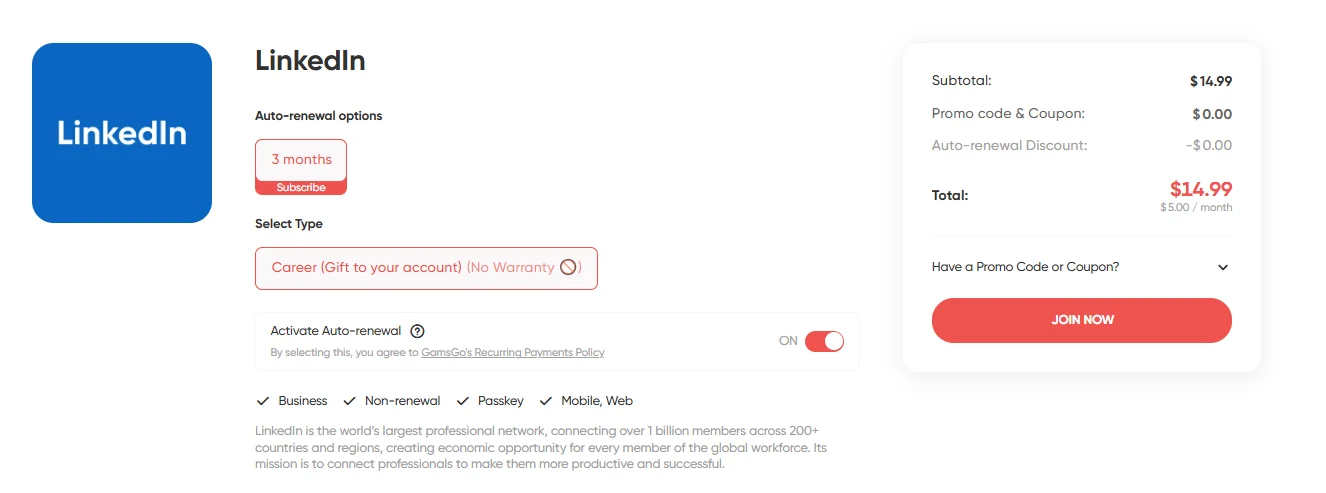
If you're looking for a specific tier like Sales Navigator or Recruiter Lite, the second option is the GamsGo Marketplace.
The marketplace hosts a wide range of LinkedIn subscription types from verified sellers, with discounts typically ranging from 50% to 80% depending on the plan and duration. The process works the same way: you receive a code and redeem it on your own account.
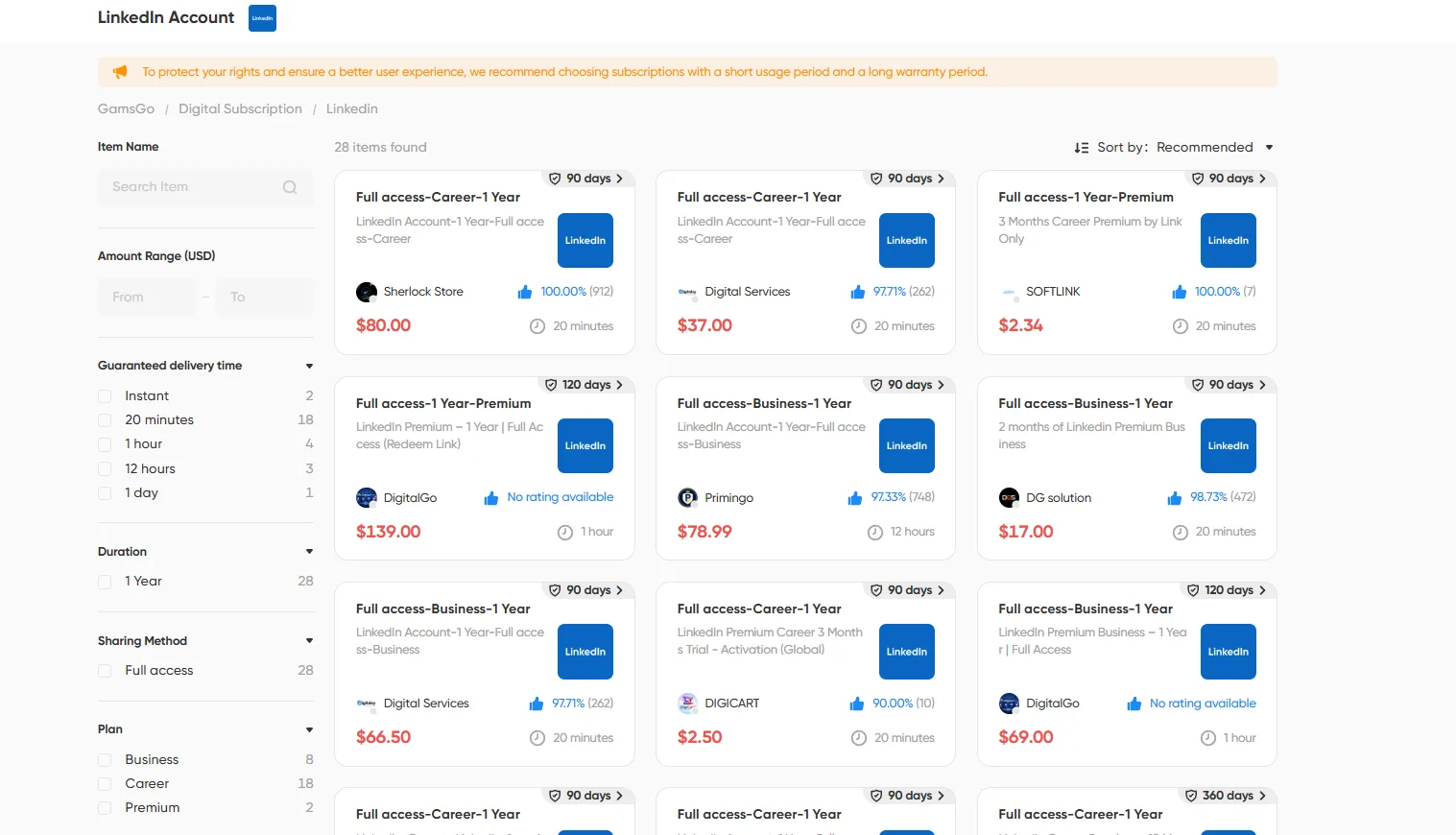
Getting started is simple: create a GamsGo account, browse the available LinkedIn Premium options, choose the plan that fits your needs, and complete your purchase. No eligibility requirements, no enrollment windows, and no geographic restrictions.
Which LinkedIn Discount Works Best for You?
With so many options available, the right choice depends on your situation. Here's a quick comparison:
| Discount Method | Savings | Who Can Use It | Limitations | Rating |
| Annual Billing | 16-33% | Everyone | Requires upfront annual payment | ⭐⭐⭐ |
| Free Trial | 1 month free | New users / 12-month cooldown | Requires credit card, auto-renews | ⭐⭐⭐ |
| Cancellation Trick | 50% for 2 months | Current subscribers | Not guaranteed to trigger | ⭐⭐⭐ |
| Veterans Program | Free 12 months | U.S. military community | U.S. only, one-time offer | ⭐⭐⭐ |
| Employee Coupons | Free 6 months | Anyone (depends on availability) | Requires finding an employee willing to share | ⭐⭐ |
| Journalists Program | Free 12 months | Working journalists | Quarterly enrollment, competitive | ⭐⭐ |
| ✨ GamsGo LinkedIn Discount | Up to 80% | Everyone | None | ⭐⭐⭐⭐⭐ |
The right choice depends on your situation. If you qualify for any of the programs above (veterans, journalists, students, etc.), those are the best starting points. For everyone else, or if you simply want the lowest price with no eligibility requirements, GamsGo is the most practical option.
Conclusion
LinkedIn doesn't hand out discount codes, and most "coupon" sites promising huge savings are not providing real, working offers. But as this guide shows, there are plenty of legitimate ways to reduce or eliminate the cost of Premium.
If you haven't started a subscription yet, make sure to use the free trial first, so you're not paying to test the waters.
Beyond that, GamsGo remains the go-to option for anyone who wants LinkedIn Premium at the lowest possible cost without jumping through hoops.
FAQ
Is There a Promo Code or Coupon Code for LinkedIn?
Nope. LinkedIn doesn’t use traditional promo codes. Websites that provide “LinkedIn discount codes” are coupon aggregator websites with misleading or expired offers. This guide shows you how to get real discounts through specific programs and billing strategies.
How Can I Get Linkedin Premium for Free Forever?
Nope. All free methods (trials, veteran programs, employee coupons, journalist enrolment) have a time limit (from 1 to 12 months). Free permanent access is not provided.
Is The Annual Billing Discount a Good Deal?
Yes, for most users. Annual billing saves 16-33% depending on the plan, with Premium Career dropping from $29.99/mo to ~ $19.99/mo. If you’re unsure, start on a monthly plan or a free trial, then switch to annual once you’ve established a consistent usage pattern.
What Happens When the Linkedin Free Trial Is Over?
Failure to cancel before your trial ends means your credit card will be charged the full price. LinkedIn emails a reminder 7 days in advance. To cancel, visit Settings & Privacy > Subscriptions & payments > Cancel Subscription. You'll be eligible for another free trial after 12 months.
Does LinkedIn Have a Student Discount?
There's no official student price tier. However, when available, students can access Premium through university partnerships or Microsoft education bundles. Many universities also offer free LinkedIn Learning (courses only, not full Premium features) through institutional agreements.
Can I Use the Free Library Card Trick to Get Full Premium Access?
Nope. Only LinkedIn Learning courses are unlocked by the library card method. It does not include InMail, profile viewer insights or any other Premium subscription features.
Related Articles