

With over 265 million monthly active users, Canva is one of the world's leading creative design platforms. But the free plan has its limits, and a long-term Pro subscription isn't cheap. This guide covers every working method to get Canva Pro at a discount in 2026 — so you can keep creating without overpaying.
Canva Free vs Pro: Is It Worth Upgrading?
Canva's free plan is a capable design tool, but the limitations add up quickly once you start using it regularly. The table below breaks down the key differences to help you decide whether upgrading to Pro is worth it.
| Feature | Free | Pro |
|---|---|---|
| Templates | 250,000+ | Full access (including premium templates) |
| Asset library | 4.7M+ free assets | 141M+ premium assets |
| Cloud storage | 5 GB | 100 GB |
| Background Remover | ❌ | ✅ Unlimited |
| Magic Resize | ❌ | ✅ One-click resize across 50+ formats |
| Brand Kit | ❌ | ✅ Up to 5 |
| AI credits (monthly) | ~50 | ~500 |
| Content scheduler | ❌ | ✅ Supports 8 platforms |
| Export formats | Basic formats only | ✅ Transparent PNG, SVG, CMYK print files |
| Price | $0 | $15/mo, or $10/mo billed annually |
If you design occasionally, don't need brand management, and mostly use basic templates, the Free plan is enough. If you're producing content regularly, need Background Remover, premium assets, or Brand Kit to maintain visual consistency, Pro is the better choice for most individual users.
Is There a Canva Pro Discount Code?
No. Canva doesn't run public coupon campaigns, and the codes collected by discount sites online are almost universally invalid or expired — those sites exist to generate traffic, not to save you money.
That doesn't mean you're stuck paying full price. Canva offers several official ways to save — they just don't come in the form of a promo code. Instead, they show up as free trials, eligibility-based programs, regional pricing, and first-time subscriber discounts.
Below are every verified method available in 2026.
How to Get Canva Pro at a Discount
GamsGo — Get Canva Pro at a Fraction of the Price
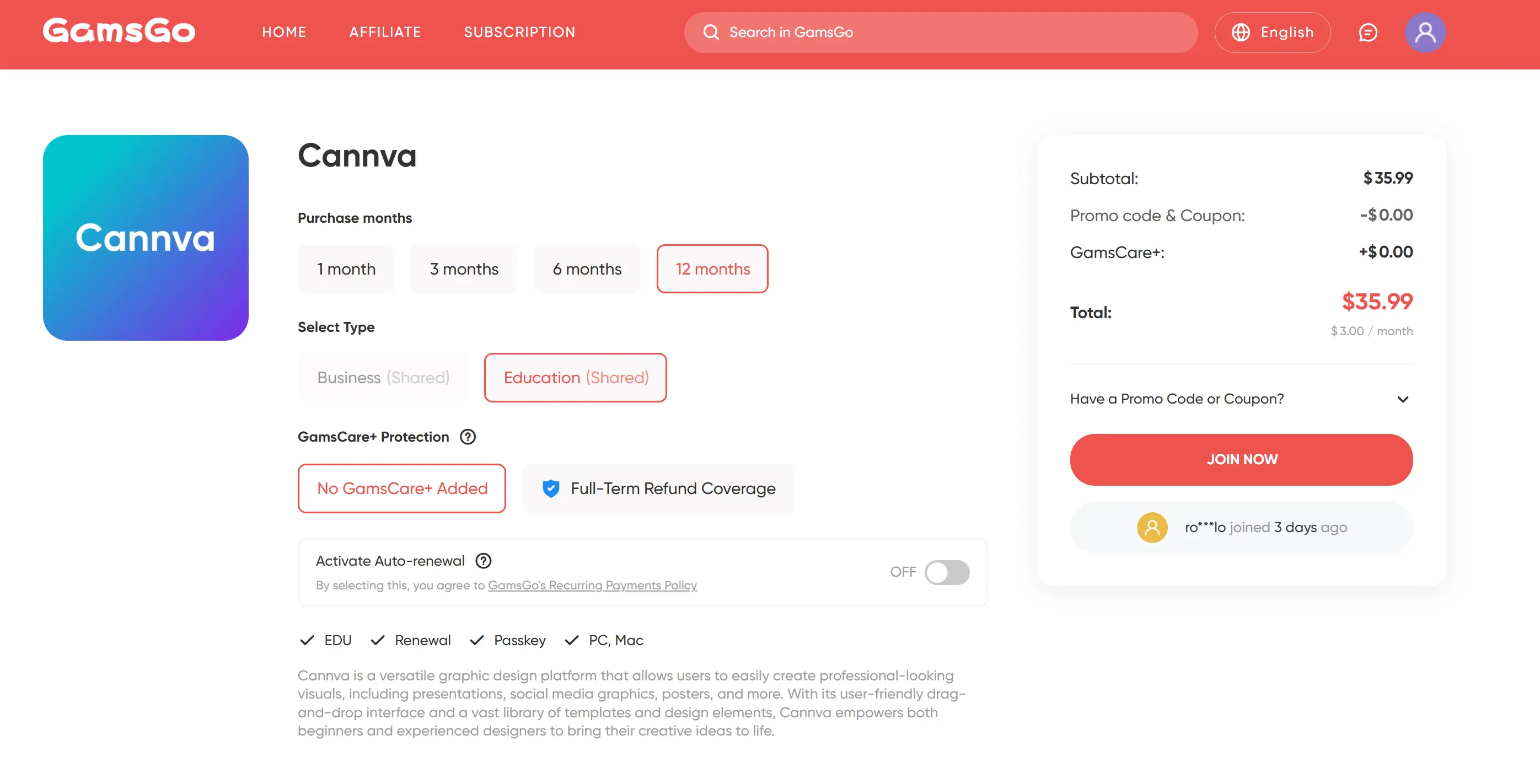
Let's start with a discount method that requires no eligibility and works for anyone: buying a Canva Pro account through GamsGo at around 70% off the standard price.
GamsGo is an established subscription sharing platform with over seven years in operation, more than one million users, and a reliable purchasing process backed by dedicated customer support.
The platform hosts a curated network of verified sellers offering subscription access to a wide range of software — including Canva — with plans ranging from one month to one year, so you can choose based on your actual needs.
Every other method in this guide comes with conditions attached — new users only, student status required, and so on. If none of those apply to you, GamsGo is the most straightforward way to save.
Canva Pro 30-Day Free Trial — The Easiest Starting Point
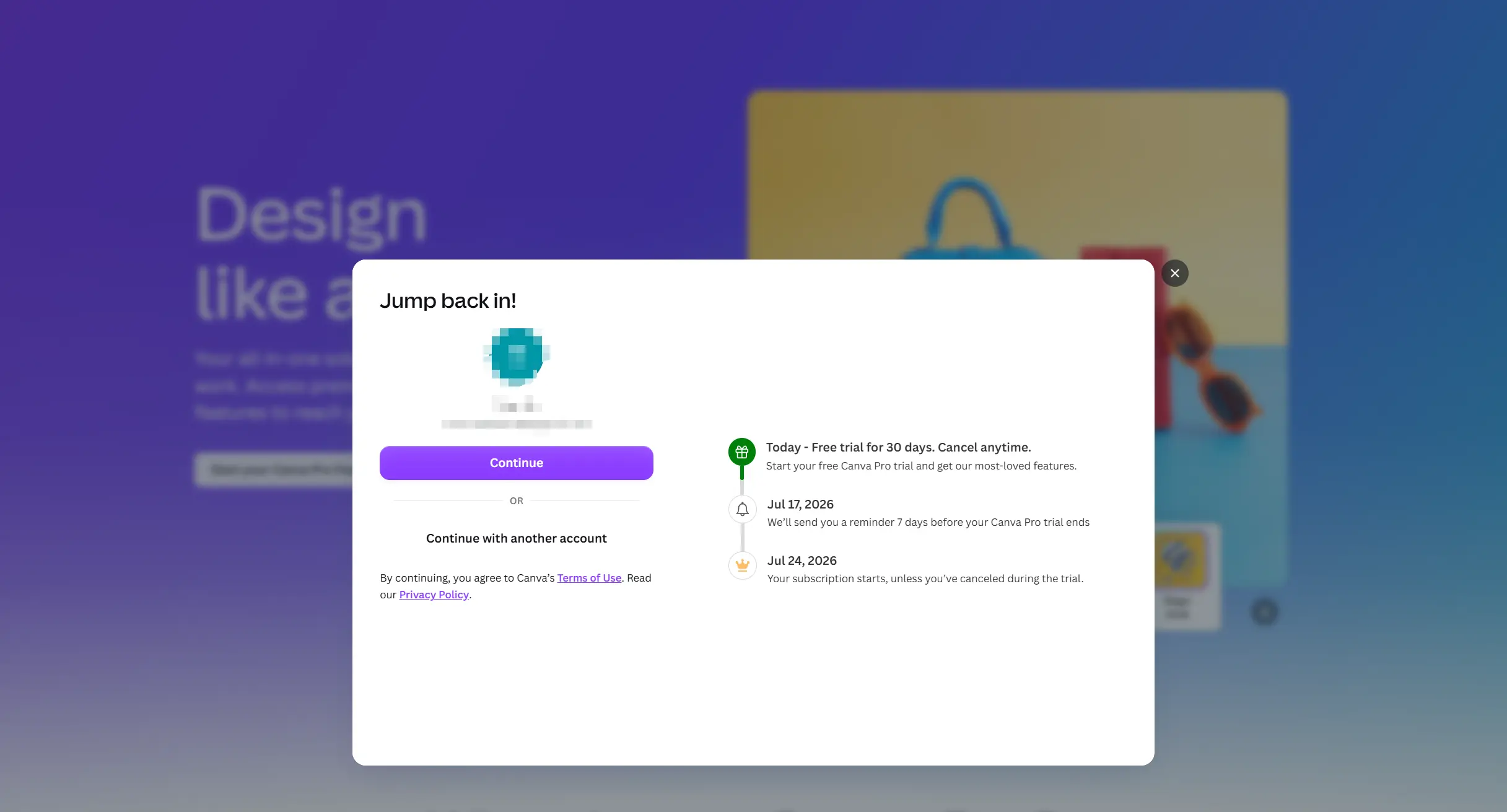
The 30-day free trial is Canva's official offer for first-time Pro users. As long as your account has never been on a Pro plan before, you're eligible for 30 days of full Pro access at no cost — though users in parts of Southeast Asia and South America may only receive 14 days, depending on their account region. Either way, every feature is identical to the paid version.
Getting started is straightforward. Go to canva.com/pricing, click "Try for free" under the Pro plan, log in to your existing account, confirm your payment method, and all Pro features become available immediately.
One thing to keep in mind: the free trial and the 50% off first 3 months offer covered below cannot be combined — you can only use one. If you decide not to continue after the trial, cancel before it ends. Canva sends a reminder email about a week before the trial expires, and you'll retain full access until the last day.
50% Off Your First 3 Months — For New Subscribers
Canva periodically runs a first-time subscriber discount: 50% off the first 3 months of Pro or Business plans. When the offer is active, the discount applies automatically at checkout — no code needed. Note that the Business plan discount is only available when purchased on desktop.
This offer cannot be combined with the 30-day free trial — if you're planning to use the 50% discount, don't activate the trial first. Accounts that have already used a trial are also ineligible. Additionally, the offer is limited to new subscribers with no active subscription in the past 30 days, and is currently unavailable in China, Japan, South Korea, India, Vietnam, and the Philippines.
There's no fixed schedule for when the offer runs, but historically it tends to appear around September. To check whether it's currently active, visit Canva's pricing page directly.
Annual Billing — Save 33% With No Extra Hoops
Annual billing is an easy saving that's easy to overlook. At $15/month on a monthly plan, switching to annual brings the effective cost down to around $10/month — saving you $60 a year. No application, no eligibility requirements, no extra steps required.
The one thing to factor in is that annual billing is paid upfront, and Canva doesn't offer refunds if you cancel mid-cycle. If you're not yet sure whether Pro is right for you, use the 30-day free trial first to confirm your needs, then switch to annual billing to lock in the lower price.
Canva Pro Lite — A Lower-Cost Plan for Users in Asia
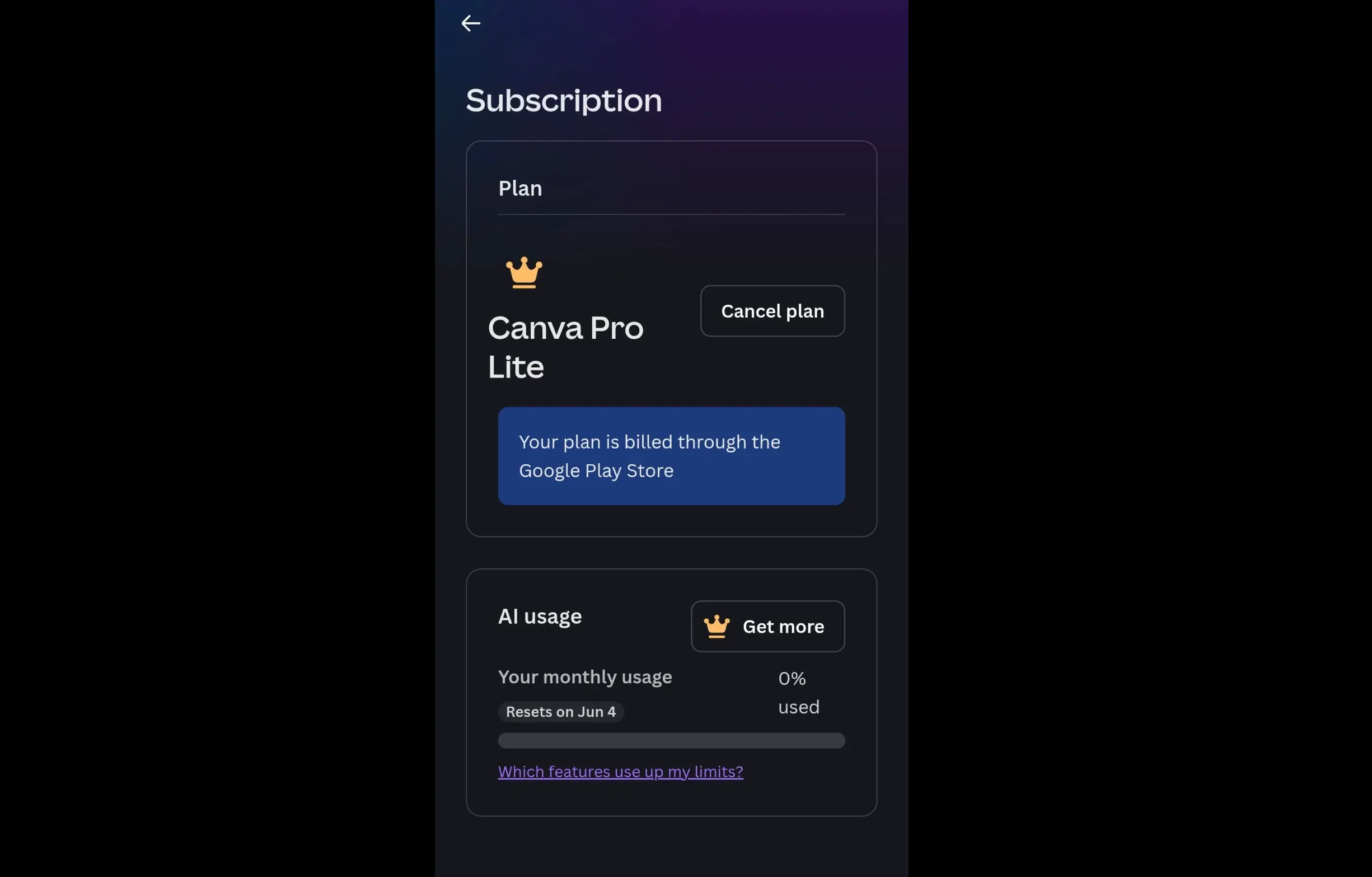
Canva Pro Lite is a lower-cost tier sitting between Free and Pro, currently available only in India, Indonesia, the Philippines, Thailand, and Vietnam. Pricing is roughly 40–50% of standard Pro, varies by country, and isn't publicly listed — log in to your account to see whether the option appears for you.
It includes Background Remover, 3 Brand Kits, premium templates and assets, and 50GB of storage. What it doesn't include: the full AI feature suite, Magic Resize, content scheduling, or advanced export formats such as transparent PNG, SVG, and CMYK print files.
If you're in an eligible country and your design needs are relatively light, Lite offers the best value per dollar currently available. If you rely on AI tools or need multi-format resizing, standard Pro is the better fit.
Canva for Education — Free for K–12 Teachers and Students
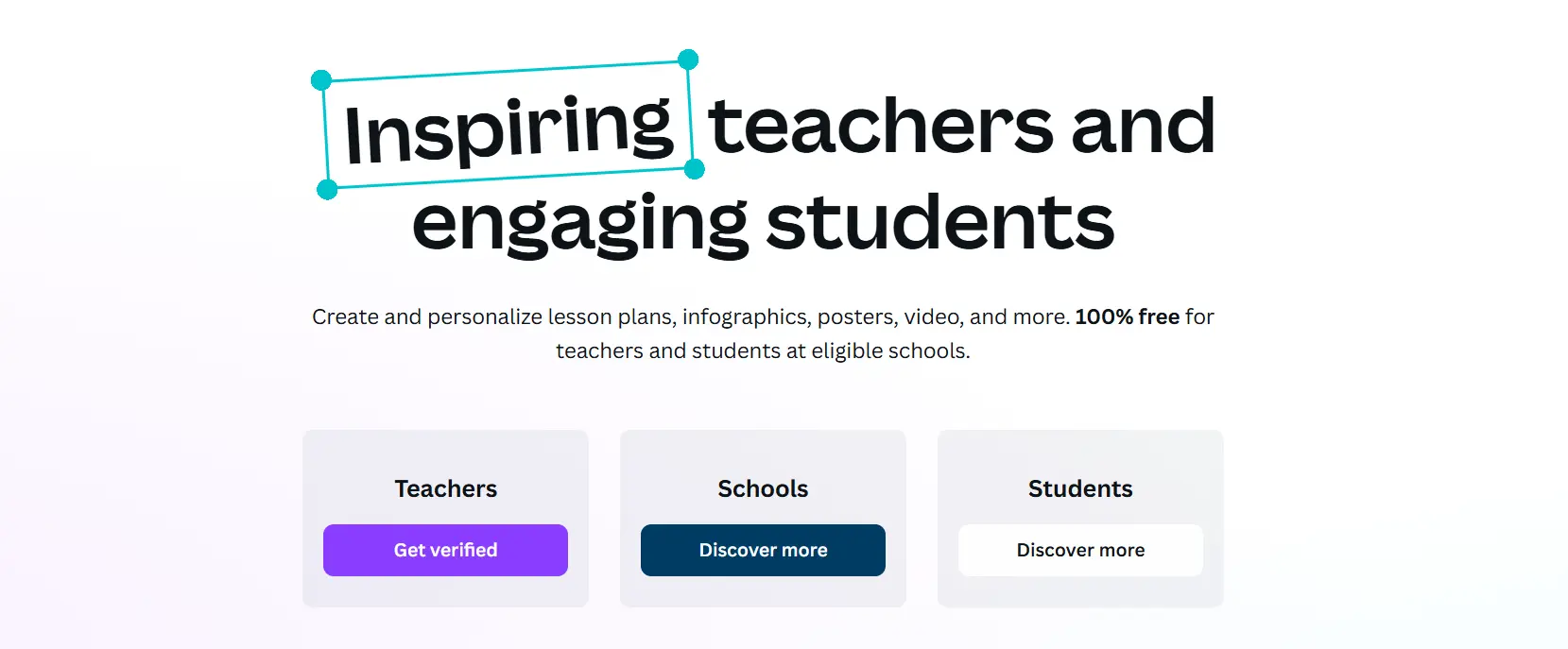
Canva for Education is completely free for eligible K–12 teachers and students worldwide. It includes full Pro features, plus classroom-specific tools such as LMS integration, assignment distribution, and student collaboration spaces.
- Teachers sign up through Canva's education page. Registering with a school email address grants instant verification; without one, upload proof of your teaching credentials and expect a decision within 7 days.
- Students cannot apply independently. Once a teacher creates a class in their account, they invite students via a link or class code. Accepting the invitation automatically activates free access.
University students and higher education staff are not eligible for this program — they should refer to the Canva for Campus section below. Verification is also required annually, and eligibility is lost if you leave a teaching position.
Canva for Campus — Free for University Students
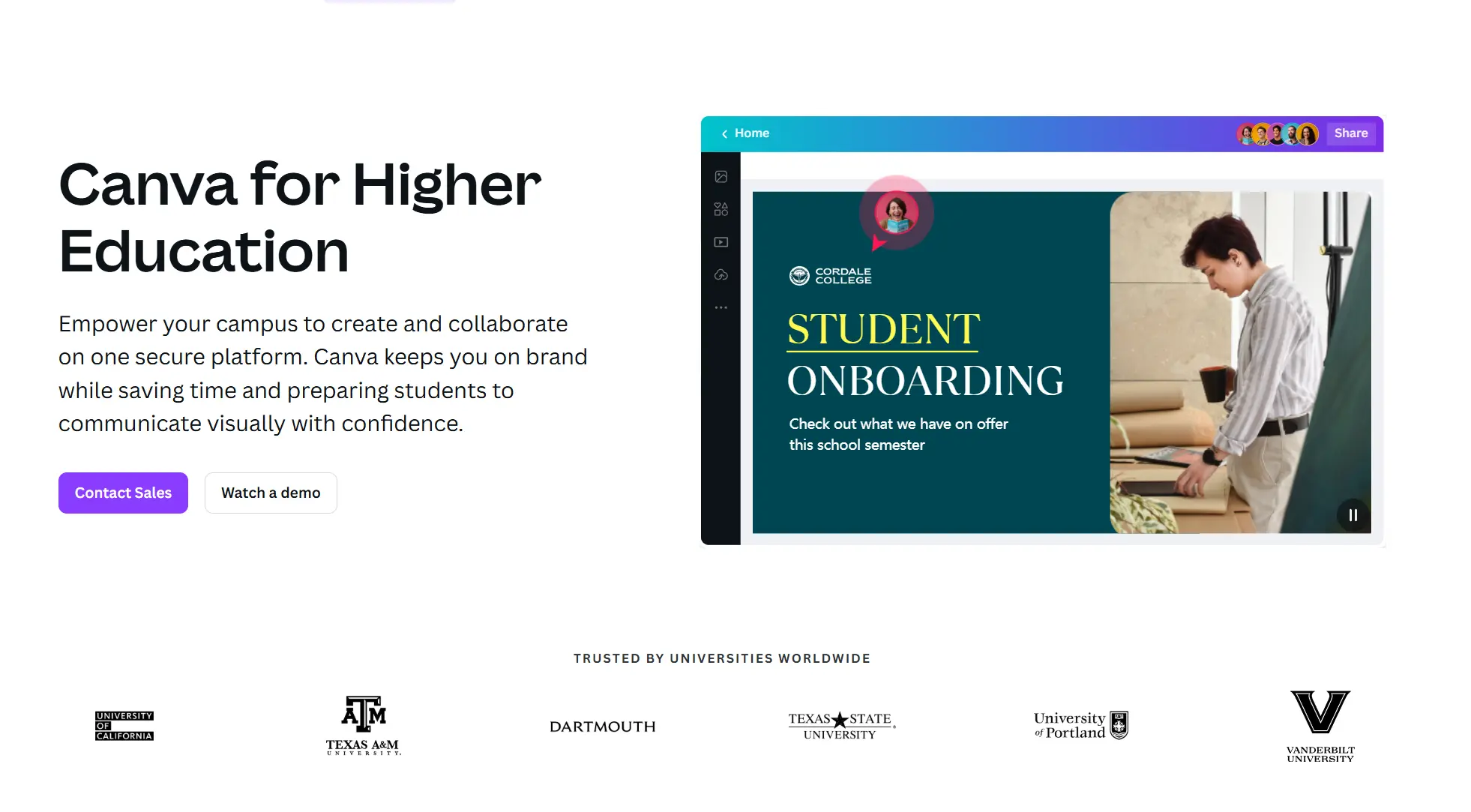
Canva for Campus is not something students can apply for individually. The way it works: once a university purchases a sufficient number of enterprise-level Campus licenses, free accounts are automatically unlocked for the entire student body. Whether you get access depends entirely on whether your institution has bought in.
Checking is simple: log in to Canva with your university email. If your school has joined, the system will recognize it and activate your access automatically. If nothing happens, contact your IT department to ask whether a Campus rollout is planned.
A number of universities have already signed up, including Dartmouth College and the University of Texas at Austin, among others.
Canva for Nonprofits — Free for Registered Charities and NGOs
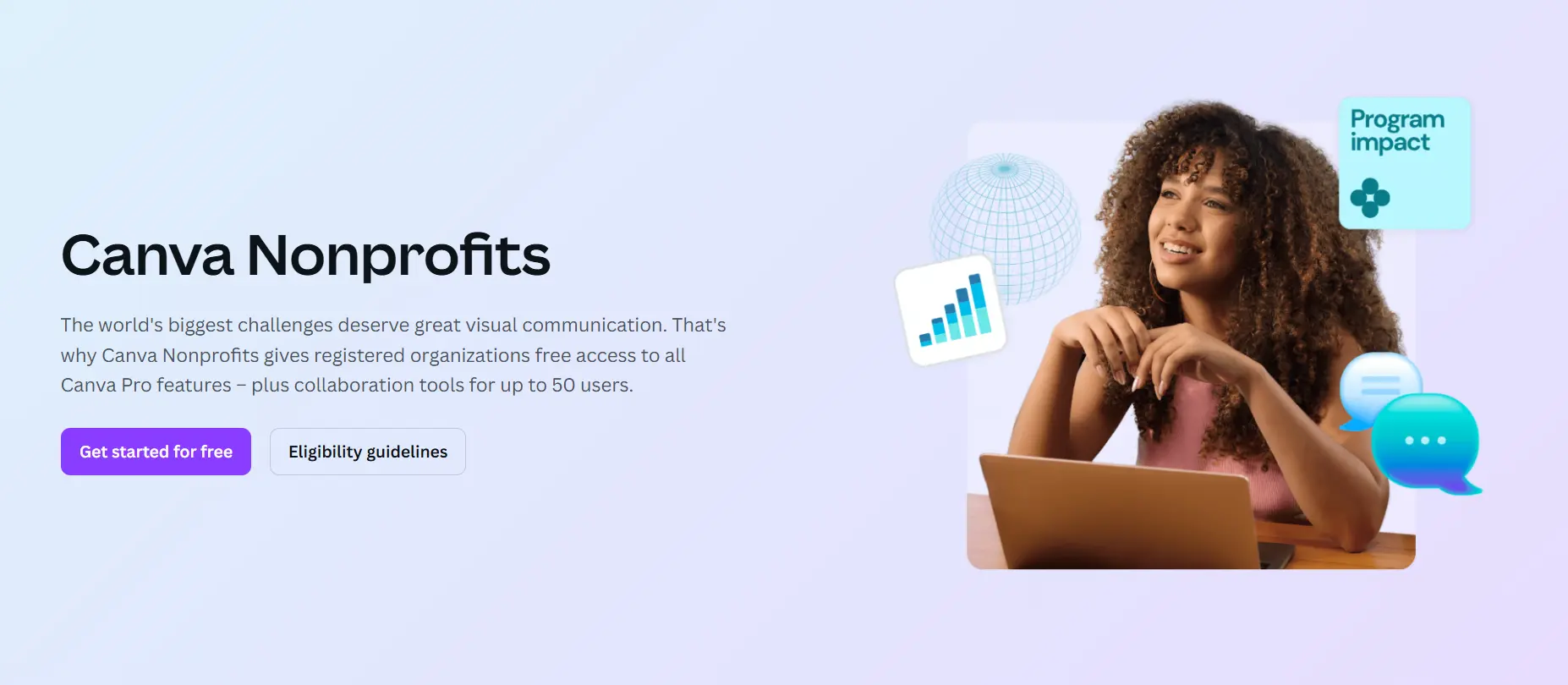
Canva for Nonprofits gives eligible charities and NGOs free access to Pro features for up to 50 users, with functionality equivalent to Canva Teams — including collaboration tools. Access remains free for as long as your organization stays eligible.
There is one core eligibility requirement: your organization must be formally registered as a charitable nonprofit in your country (501(c)(3) status in the US, with equivalent requirements elsewhere). Applications are verified through Canva's partner Goodstack, with decisions typically issued within 7 days.
Before applying, prepare your organization's registration documents (such as the IRS determination letter for US applicants), and sign up for a Canva account using your organization's official email address — this tends to improve approval rates. If you're unsure whether you qualify, apply anyway and let Canva's team make the call.
Canva for Startups — Free Pro for 12 Months
Eligible early-stage startups can receive 12 months of free Canva Pro. This is not an open application — access is granted through Canva-approved accelerators, incubators, or startup perk platforms such as AI Perks and StartupPerks. Specific eligibility requirements vary depending on the partner channel.
If your accelerator or incubator has a partnership with Canva, applying through that channel is the fastest route. You can also search major startup perk platforms for currently available Canva offers, then apply once you've confirmed the right entry point.
Philippines Graduate Access Program (DepEd × Canva)
Through a partnership with the Philippine Department of Education (DepEd), Canva offers one year of free Pro access to eligible Grade 12 public school graduates. Qualifying students receive an activation link via official DepEd email; once verified, a confirmation code is issued to activate the subscription at no cost.
The 2026 claiming window runs from April 1 to July 1. This is an annual partnership program — Filipino readers should follow DepEd's official channels to confirm whether the next cycle will be available.
If you're already saving on Canva, why stop there? Explore our guides to getting AI tools, streaming services, and other popular subscriptions at a lower price.
How to Use Canva Premium Features Without Paying for Pro
If you only occasionally need a Pro feature, a full subscription may not be necessary. The three options below let you get what you need on demand, without paying for features you rarely use.
Use Canva Free's Built-in AI Features
The Free plan includes roughly 50 AI credits per month, usable for Magic Write copy generation, AI image generation, and other core features. Credits reset at the start of each month. For occasional users, this is generally enough — no upgrade required.
That said, Background Remover, Magic Resize, and advanced image editing tools fall outside the AI credit system entirely — they're Pro-exclusive and cannot be accessed on the Free plan by any means. If those are your core needs, free AI credits won't help.
Buy Individual Premium Assets Instead of Subscribing
Free plan users can add Pro assets to their designs, but downloaded files will carry a watermark. Paying $1 purchases a one-time use license for that asset, removing the watermark. This works well if you occasionally need a specific image or graphic.
Keep in mind that using the same asset in a new design requires another $1 license. If you're regularly using more than 15 Pro assets per month, the per-asset cost will exceed a monthly subscription — at that point, subscribing to Pro is the better value.
Pause Your Subscription Instead of Canceling
If you don't need Pro for a while, you can pause your subscription for up to 3 months at no charge. Your designs and Brand Kit are fully preserved during the pause.
To do it: go to Settings → Billing → Cancel Plan → select Pause for 3 months. Note that this option is tucked inside the cancellation flow — it's not a standalone button.
Once the pause ends, your subscription resumes and billing restarts automatically. Canva sends a reminder email 3 days before the pause expires. If you decide not to continue during the pause period, cancel before it ends — otherwise you'll be charged automatically.
What to Avoid: Fake Discounts and Scams
The methods above are all verified ways to save. That said, the internet is full of Canva "discount" claims that aren't legitimate.
These scams share a common trait: they look cheaper than official channels, but in practice they either don't work or put your account and designs at risk.
- Coupon code websites: The Canva codes collected by discount aggregator sites are almost universally expired or invalid. These sites exist to generate traffic — not to save you money.
- "Canva Lifetime Pro": Canva does not sell lifetime licenses. These offers are invariably stolen credentials from education or nonprofit accounts. Canva can revoke access at any time, and your designs will be lost along with it.
- Fiverr / Facebook cheap upgrades: Sellers offering to "upgrade your account" for a few dollars are violating Canva's Terms of Service. Your account can be suspended at any time, and your designs cannot be recovered.
- Cracked apps / Mod APKs: These carry malware risks, and any account detected using them will be permanently banned.
- Telegram / Discord shared accounts: Canva actively monitors for abnormal login behavior. Accounts shared among multiple users have a high probability of being flagged and suspended.
- The 45-day extended trial: This offer was discontinued in 2024. Links still circulating online are all invalid — some are phishing pages. Do not click them.
Which Option Is Right for You?
| Option | Savings | Eligibility | Limitations | Rating |
|---|---|---|---|---|
| GamsGo | ~73% | None | None | ⭐⭐⭐⭐⭐ |
| 30-Day Free Trial | 100% (limited time) | New users who haven't used a trial before | 30 days only; requires a credit card | ⭐⭐⭐ |
| 50% Off First 3 Months | 50% | New users with no active subscription in the past 30 days | Limited-time offer; cannot be combined with free trial | ⭐⭐ |
| Annual Billing | ~33% | None | Paid upfront; no refunds if cancelled mid-cycle | ⭐⭐⭐ |
| Canva Pro Lite | ~50% | Users in India, Indonesia, Philippines, Thailand, Vietnam | Limited features; no full AI suite or Magic Resize | ⭐⭐⭐⭐ |
| Canva for Education | 100% | K–12 teachers and students | Annual re-verification required | ⭐⭐⭐ |
| Canva for Campus | 100% | University students (depends on institution) | Requires institutional purchase; cannot apply individually | ⭐⭐⭐ |
| Canva for Nonprofits | 100% | Registered charities and NGOs | ~7-day review; strict eligibility requirements | ⭐⭐ |
| Canva for Startups | 100% (12 months) | Early-stage startups | Must apply through a partner channel; limited transparency | ⭐⭐⭐ |
| DepEd × Canva | 100% (12 months) | Philippine Grade 12 graduates | Philippines only; annual program with a claiming window | ⭐⭐⭐ |
| Free Plan AI Features | Partially free | None | ~50 credits/month; core Pro tools not accessible | ⭐⭐ |
| Buy Individual Assets | Depends on usage | None | $1 per use; not cost-effective for frequent use | ⭐⭐ |
| Pause Subscription | Up to 3 months free | Existing Pro subscribers | Not a long-term solution; auto-resumes after pause | ⭐⭐ |
Based on your situation, here's what we recommend:
- K–12 teachers: Apply for Canva for Education. It's free, fully featured, and has the lowest barrier to entry of any option on this list.
- K–12 students: Ask your teacher to send you an invitation through their Canva for Education account — there's nothing you need to apply for yourself.
- University students: Log in to Canva with your university email to check whether your school has joined Canva for Campus. If not, the 30-day free trial is your next best option.
- NGOs and charities: Apply for Canva for Nonprofits — free access for up to 50 users, with no expiration as long as you remain eligible.
- Early-stage startups: Apply through your accelerator or incubator's Canva partnership to get 12 months of free Pro.
- Philippine Grade 12 graduates: Activate your subscription through the official DepEd email before the 2026 claiming window closes on July 1.
- Users in India, Indonesia, Philippines, Thailand, or Vietnam: Check whether Canva Pro Lite is available in your account — it offers better value than full-price Pro.
- New users who aren't sure they need Pro: Start with the 30-day free trial to confirm whether the upgrade is worth it before committing.
- New users who are ready to subscribe: Keep an eye out for the 50% off first 3 months offer — historically it tends to appear around September.
- Long-term regular users: Switch to annual billing and save $60 a year with no conditions attached.
- Occasional or light users: The Free plan's built-in AI credits are likely enough. For the odd premium asset, buy individual licenses at $1 each.
If none of the above options apply to you but you still want long-term, affordable access to Canva, GamsGo is the most practical all-round alternative.
FAQ
Is Canva Pro free for students?
It depends. K–12 students can get free access through Canva for Education, but only if their teacher invites them. University students need to check whether their institution has joined Canva for Campus — there's no individual application.
Does Canva offer a Black Friday or Cyber Monday discount?
Canva has run promotions during major sales events in the past, typically 20–30% off annual plans. These aren't guaranteed every year. Check Canva's pricing page directly around November for any active offers.
Can I use a promo code for Canva Pro?
Canva doesn't run regular coupon campaigns. Most codes found on discount sites are expired or invalid. The closest thing to a promo code is the 50% off first 3 months offer, which applies automatically at checkout when active — no code needed.
How do I pause my Canva subscription?
Go to Settings → Billing → Cancel Plan, then select "Pause for 3 months" when prompted. The option is tucked inside the cancellation flow. Your designs and Brand Kit are preserved during the pause, and billing resumes automatically afterward.
Is Canva Pro Lite available in my country?
Currently only in India, Indonesia, the Philippines, Thailand, and Vietnam. Log in to your Canva account and check the billing page — if Lite is available in your region, the option will appear there.
What's the difference between Canva Pro and Canva Pro Lite?
Pro Lite costs roughly 40–50% less but comes with limitations: only 3 Brand Kits, 50GB storage, and no Magic Resize, full AI suite, content scheduling, or advanced export formats. Pro includes all of these with no restrictions.
Related Articles
ChatGPT Pricing 2026: Find the Right Plan for You

